
How to Create Reminders in the Reminders Section
StatementOrganizer Team · July 5, 2026
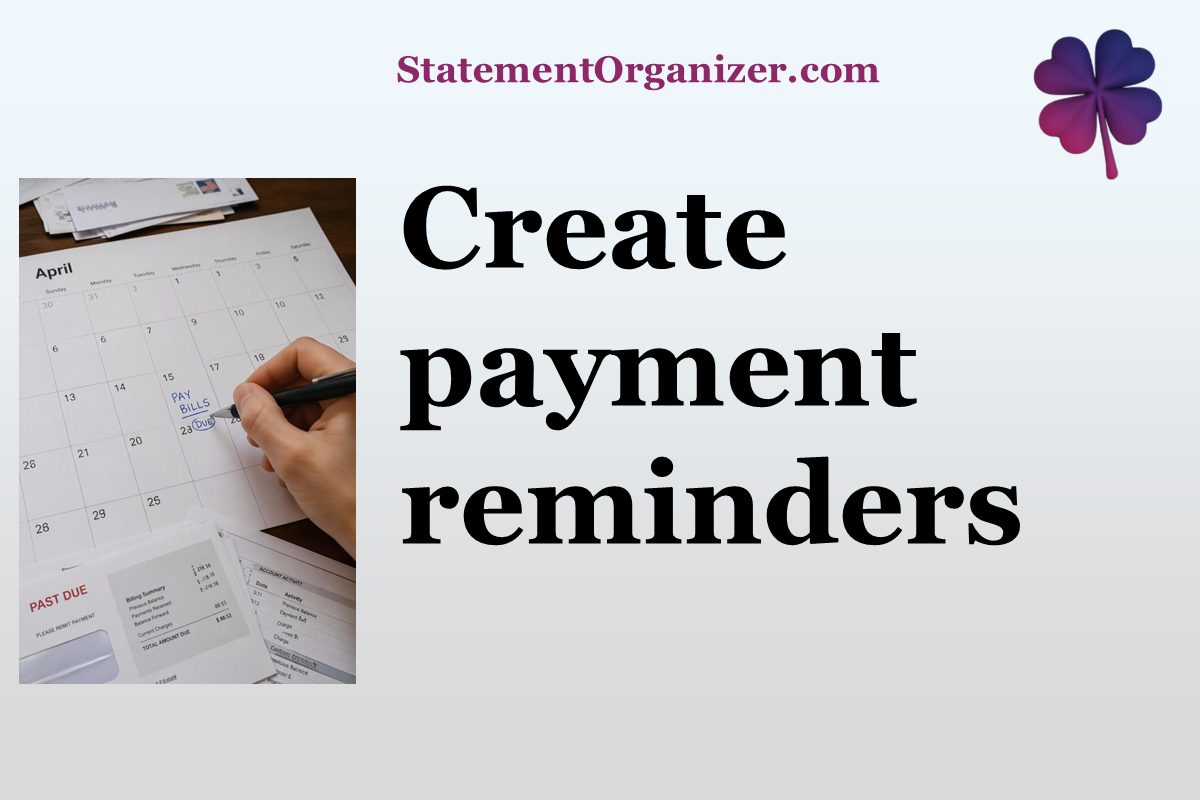
Beyond the reminders StatementOrganizer's AI suggests automatically, you can also create your own — perfect for anything specific to your life that your statements alone wouldn't reveal.
To create a reminder:
- Open Reminders from the menu at statementorganizer.com.
- Click New Reminder.
- Give it a clear title, like "Renew car insurance" or "Pay quarterly taxes."
- Set the date — and if it repeats, choose how often (weekly, monthly, yearly, or a custom schedule).
- Save it, and you're done.
Reminders can be as simple or detailed as you like. Add a short note if you want extra context for your future self, such as an account number or a link to the provider's website.
Once created, your reminder appears alongside any AI-suggested ones in a single, easy-to-scan list — sorted by upcoming date so you always know what's next. You'll get a timely notification as the date approaches, so you can act before it's too late.
This is especially handy for things statements can't predict, like a passport renewal, an insurance policy review, or a personal savings goal deadline.
Reminders take under a minute to set up but can save you from late fees, lapsed coverage, or missed opportunities. Head over to Reminders on StatementOrganizer and add your first one today.
Comments (0)
Sign in to join the discussion.