
How to Find Hidden Fees and Penalties in the Fees Section
StatementOrganizer Team · July 5, 2026
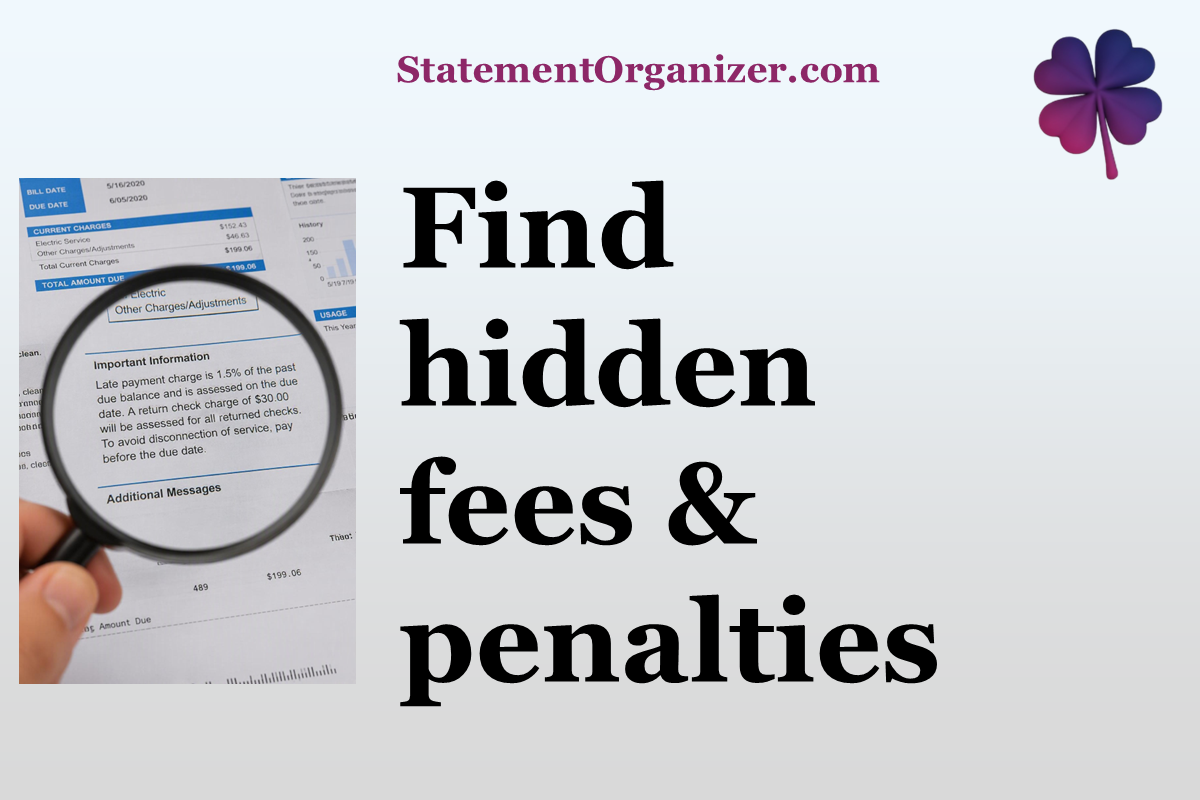
Bank and card statements are notorious for burying fees in dense fine print. StatementOrganizer's Fees section pulls every one of them out into plain sight.
How to review your fees:
- Open Fees from the menu at statementorganizer.com.
- Every fee StatementOrganizer's AI detected — late fees, overdraft charges, service fees, foreign transaction fees, and more — is listed with the amount, date, and type.
- Use the search box or filters to narrow by fee type, category, currency, or date range.
Many people are surprised by how much they've paid in fees once it's all in one place instead of scattered across a dozen statements. Spotting a pattern — say, the same $35 fee three months in a row — is often the first step to calling your bank and getting it waived or fixed.
Because Fees works directly from your uploaded statements, there's no need to comb through PDFs yourself. StatementOrganizer's AI has already found the fine print for you.
This is one of the most popular reasons people start using StatementOrganizer in the first place — most banks don't make it easy to total up your fees, and doing it manually across statements takes ages.
Curious how much you've really paid in fees? Visit Fees on StatementOrganizer and see the full picture today.
Comments (0)
Sign in to join the discussion.