
How to See Your Spending Trends in the Spends Section
StatementOrganizer Team · July 5, 2026
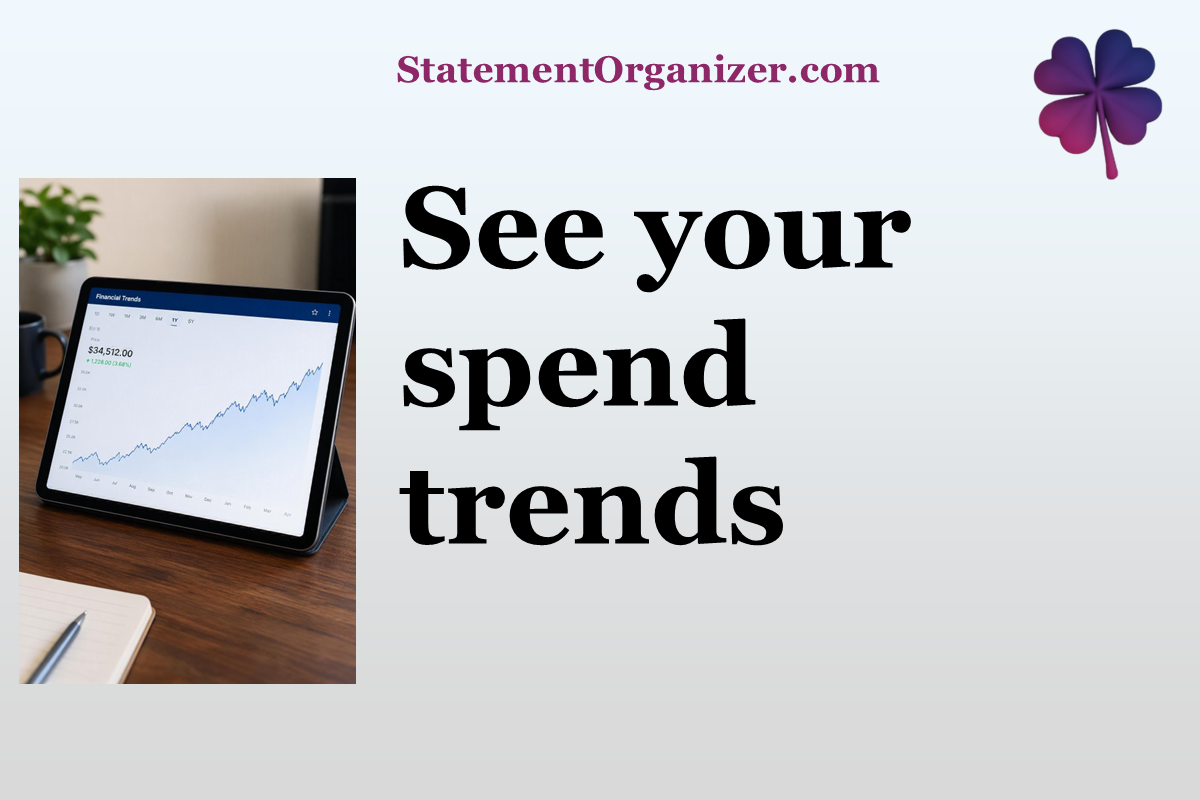
Curious where your money actually goes each month? The Spends section on StatementOrganizer turns your raw transactions into a clear, visual story.
How to explore your spending:
- Open Spends from the menu at statementorganizer.com.
- You'll see your spending broken down by category — groceries, dining, subscriptions, and more — automatically detected from your statements.
- Use the filters to narrow things down: search by description, pick one or several categories, select specific merchants, or set a date range.
- Watch the visual breakdown update instantly so you can spot trends, like a category creeping up over the past few months.
Spends is designed to answer the question everyone eventually asks: "Where did all my money go?" Instead of scrolling through endless line items, you get an at-a-glance view organized the way your brain actually thinks about spending.
Filters can be combined too — for example, see just your dining spend across two specific accounts over the last quarter. When you're done exploring, a single reset button clears every filter so you can start fresh.
Because Spends works directly from your uploaded statements, there's no manual categorizing required — StatementOrganizer's AI has already done the heavy lifting.
Ready to see your money story? Visit Spends on StatementOrganizer and start exploring your trends today.
Comments (0)
Sign in to join the discussion.